Skip to content

Your kennel on a bigger screen

Everything you keep in the Whelper app, in your browser at app.whelper.com: the same dogs, litters and records, with room for the paperwork.

New to Whelper? Join in the app first, then sign in at app.whelper.com with the same account.

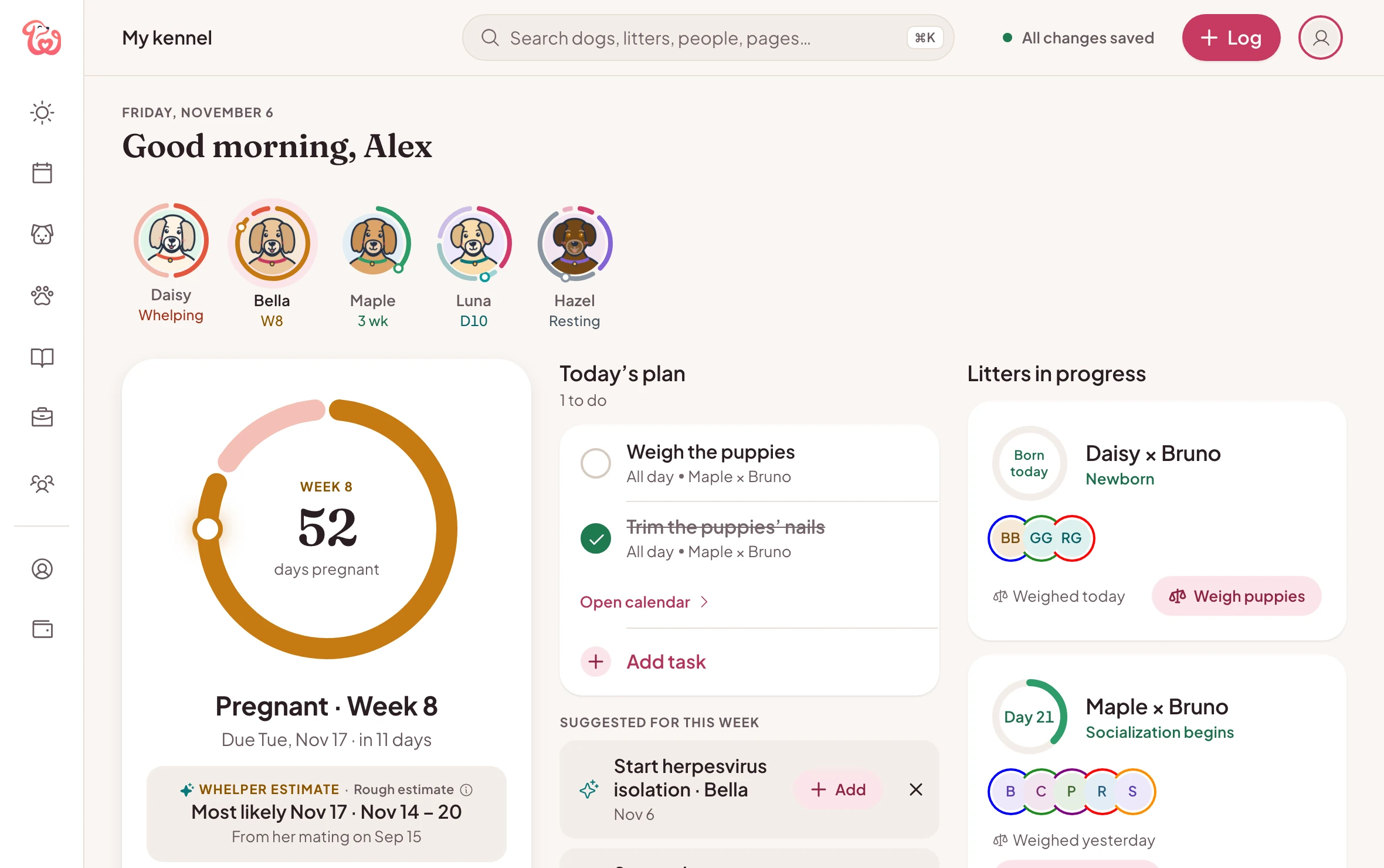
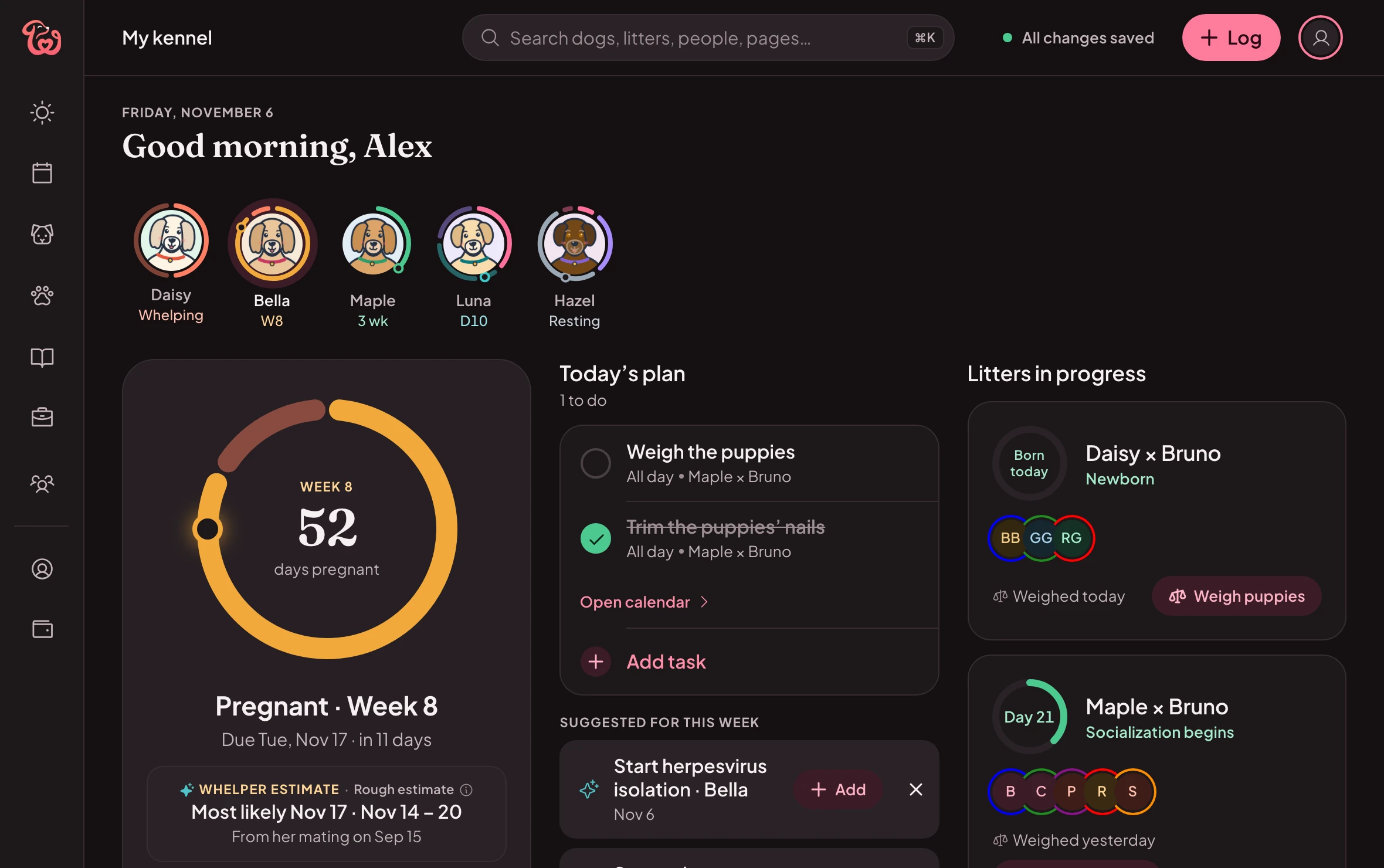
Today in Whelper on a computer: a ring for each girl with Daisy whelping first, Bella’s pregnancy in week 8, today’s plan, the litters in progress and the next two weeks.Today in Whelper on a computer: a ring for each girl with Daisy whelping first, Bella’s pregnancy in week 8, today’s plan, the litters in progress and the next two weeks.
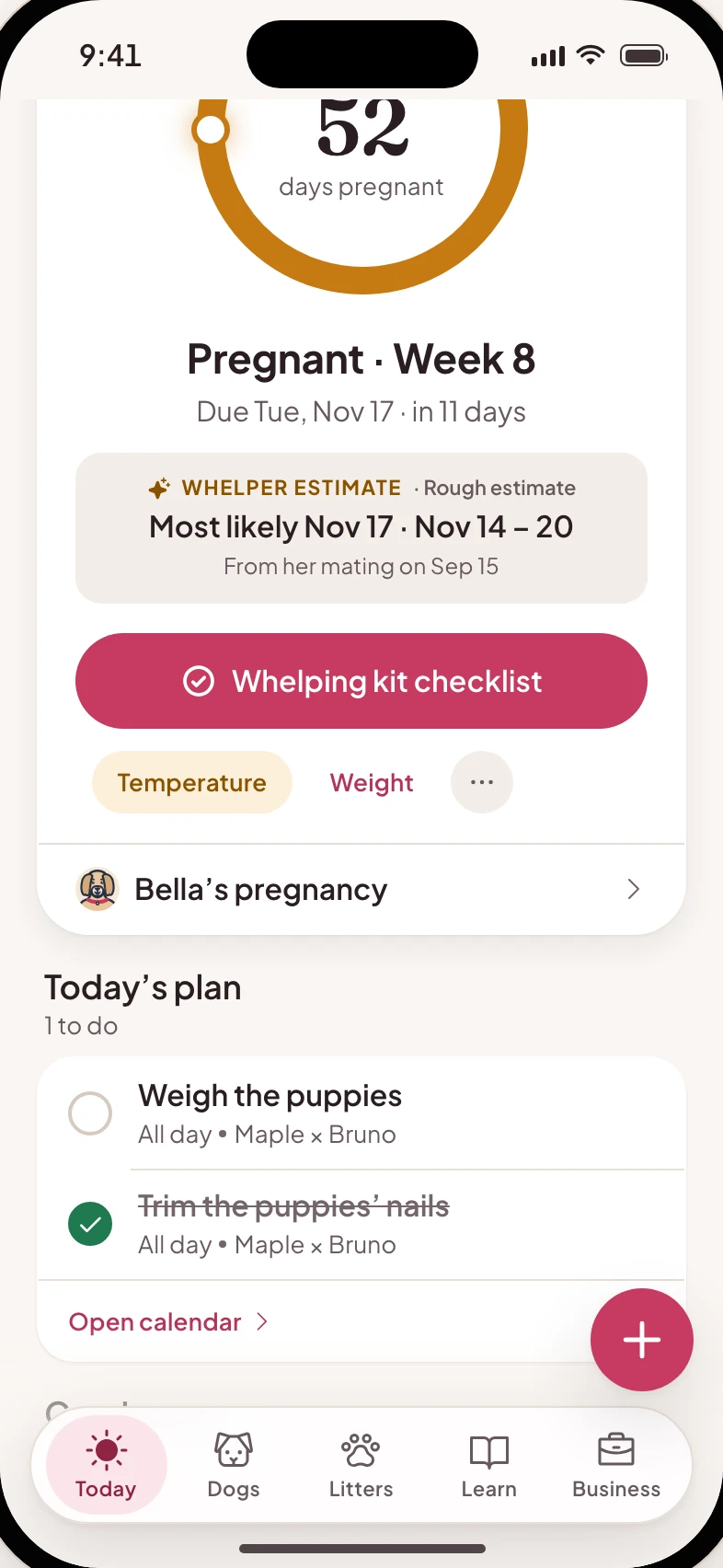
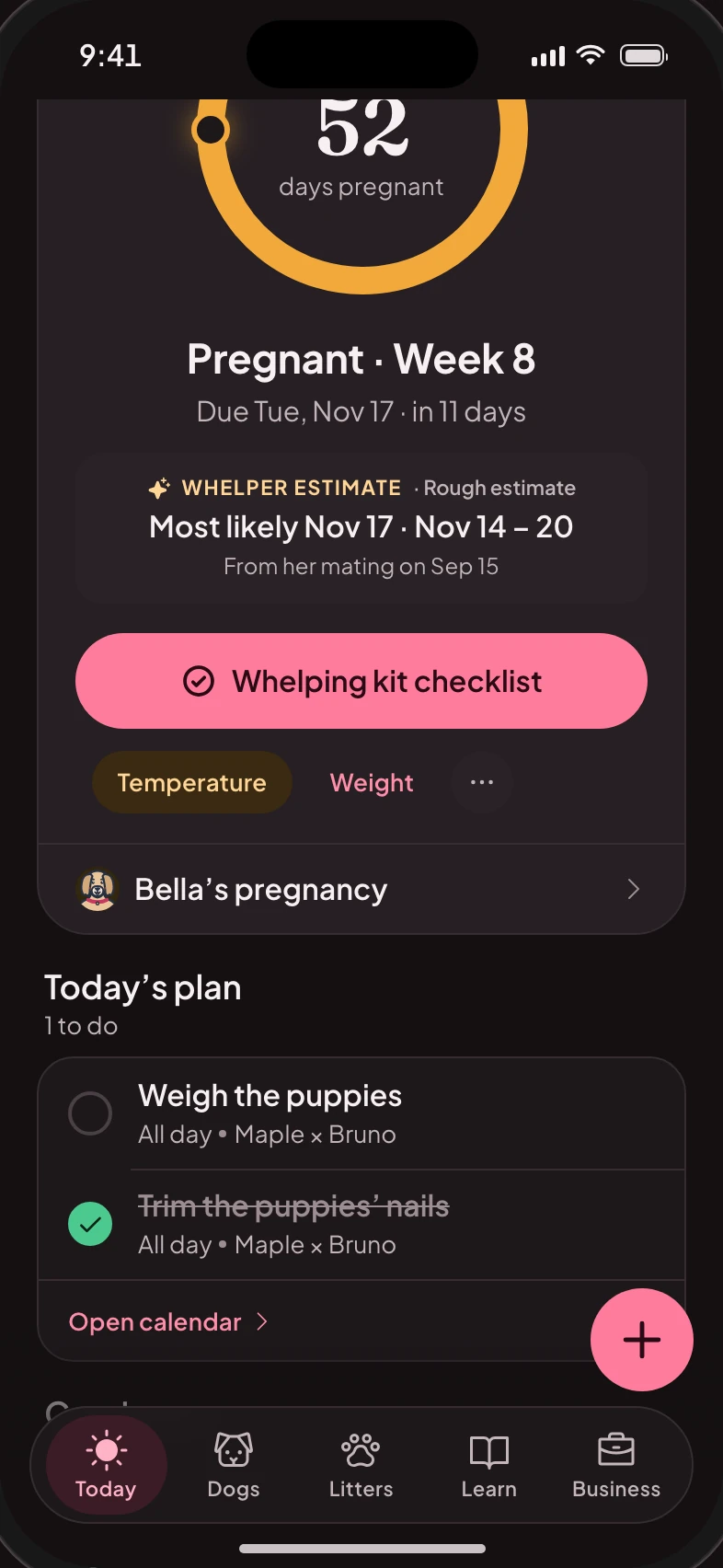
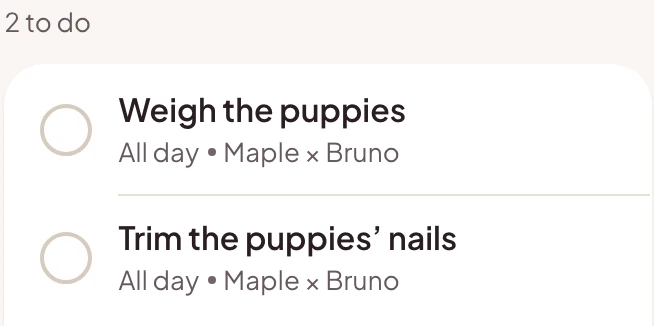
Today in the Whelper app on a phone: Bella’s pregnancy and today’s plan, with the puppies’ nail trim ticked off.Today in the Whelper app on a phone: Bella’s pregnancy and today’s plan, with the puppies’ nail trim ticked off.
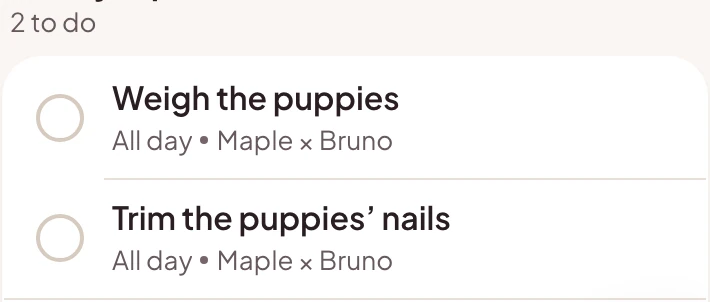
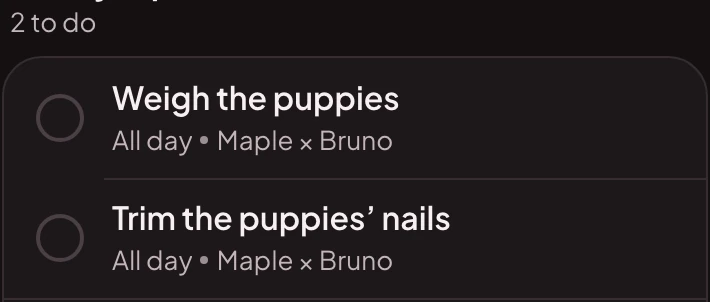
Sample kennel. Tick it off on your phone, and it’s done on your laptop too.

Today

Your whole kennel at a glance

Every girl’s ring and where she is, today’s plan, litters in progress and the next two weeks, side by side on one screen.
  • The one thing to do next for each dog
  • Find any dog, litter or page from the keyboard (⌘K or Ctrl K)
  • Log anything from the + Log button
Today in Whelper on a computer: a ring for each girl with Daisy whelping first, Bella’s pregnancy in week 8, today’s plan, the litters in progress and the next two weeks.Today in Whelper on a computer: a ring for each girl with Daisy whelping first, Bella’s pregnancy in week 8, today’s plan, the litters in progress and the next two weeks.

Today · Sample kennel

Sample kennel

Calendar

Plan the season on a real calendar

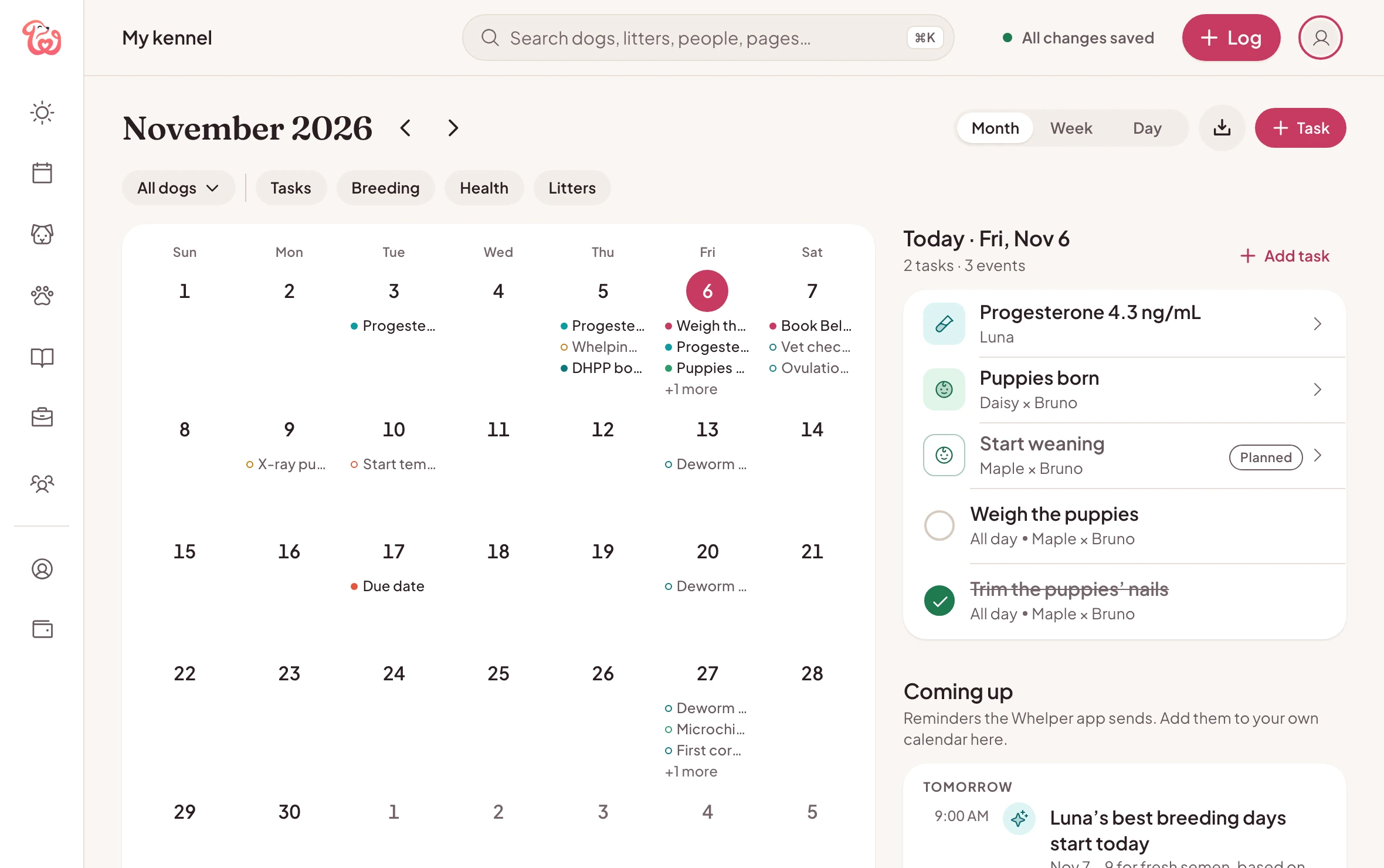
Heats, due dates, weigh-ins, vet visits and your own tasks by month, week or day, filtered by dog or by type.
  • Download the next 90 days into your own calendar
  • Tasks you add here are in the app too
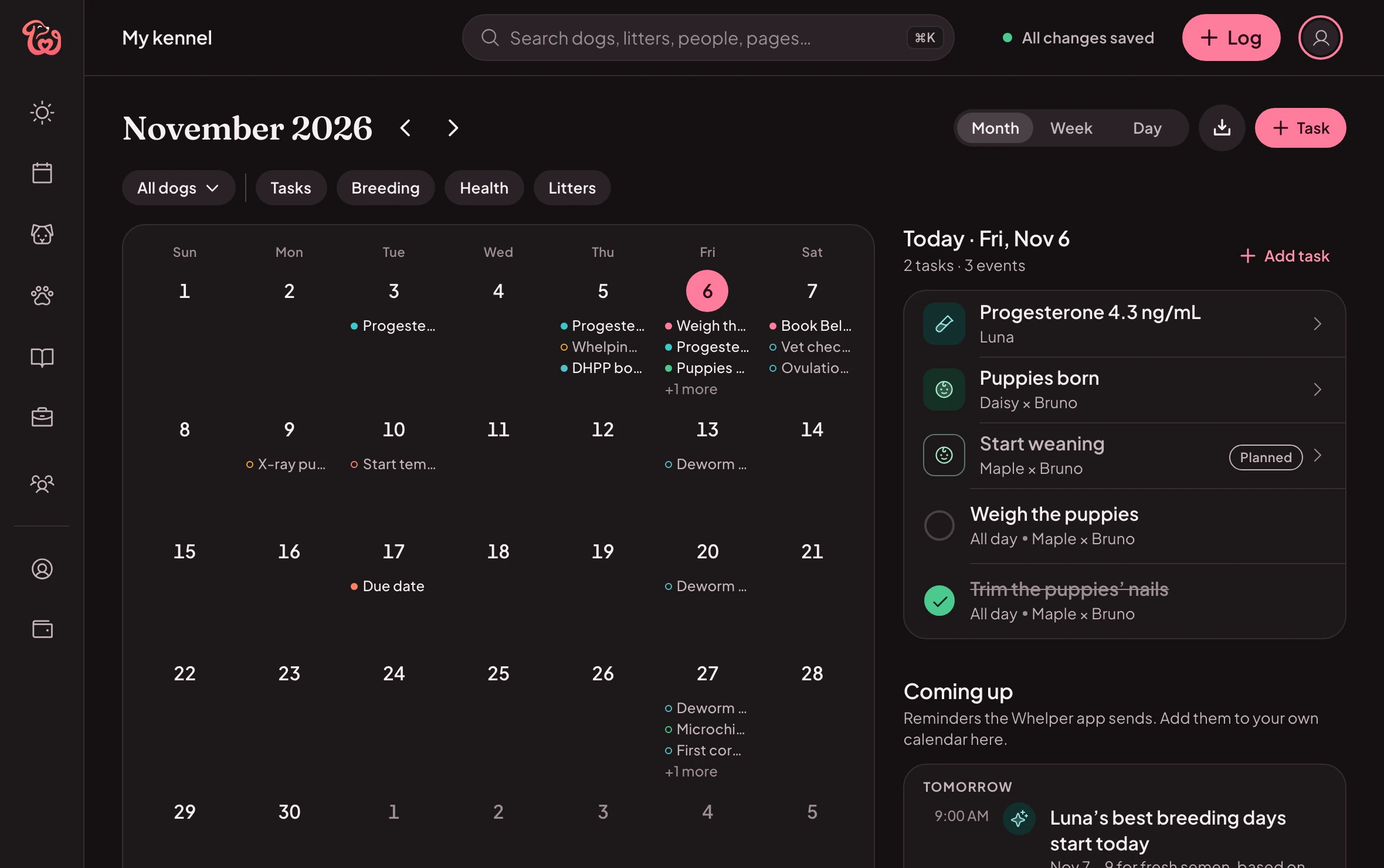
The calendar: a month of heats, due dates, weigh-ins and vet visits, with the day’s agenda beside it.The calendar: a month of heats, due dates, weigh-ins and vet visits, with the day’s agenda beside it.

Calendar · Sample kennel

Sample kennel

Dogs

Every dog, and her whole story

A sortable list of your kennel, then each dog’s page: her status and why, health, breeding, timeline, pedigree and photos.
  • Drag and drop photos and papers
  • Her report, printed or saved as a PDF
  • A pedigree tree you can pan and zoom
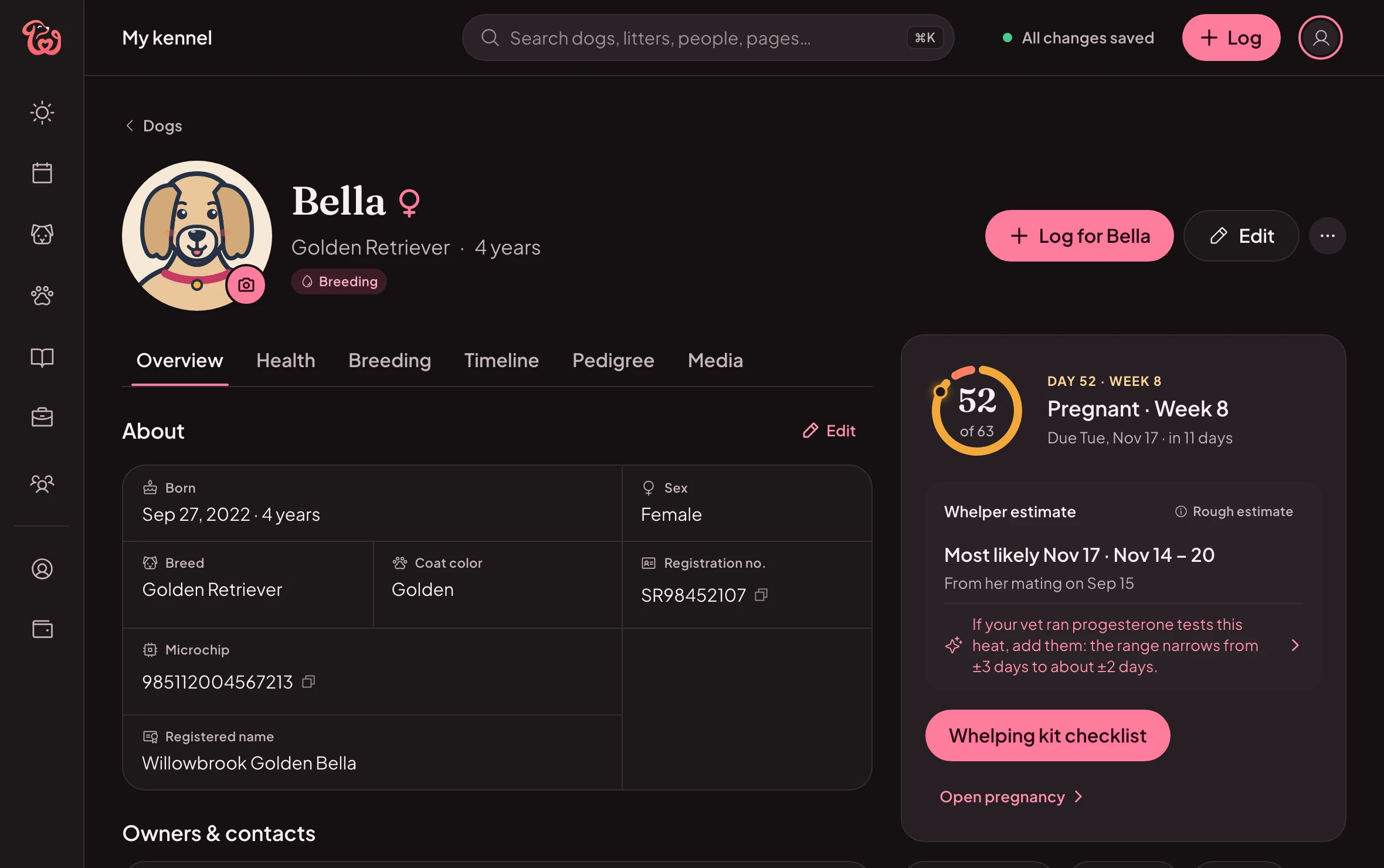
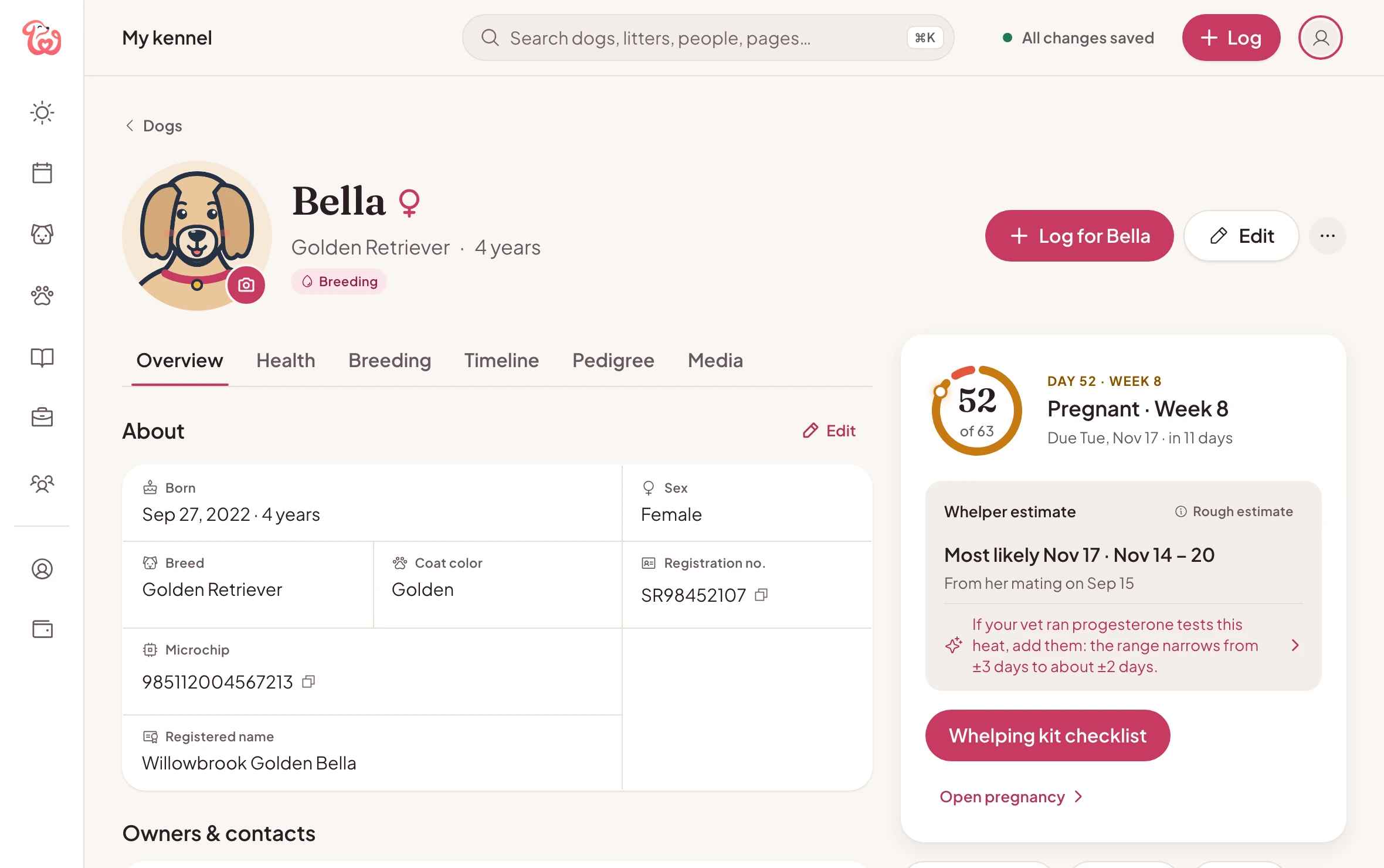
Bella’s page: her details, her pregnancy and why, and tabs for health, breeding, timeline, pedigree and photos.Bella’s page: her details, her pregnancy and why, and tabs for health, breeding, timeline, pedigree and photos.

Dogs · Sample kennel

Sample kennel

Litters

Litters, with room for the growth chart

Puppies, growth chart and table, schedule, care log and buyers for each litter, and a weigh-in made for the keyboard.
  • Type a weight, press Tab, next puppy
  • Every puppy’s gain beside the litter’s
  • Go-home packets, printed or saved as PDFs
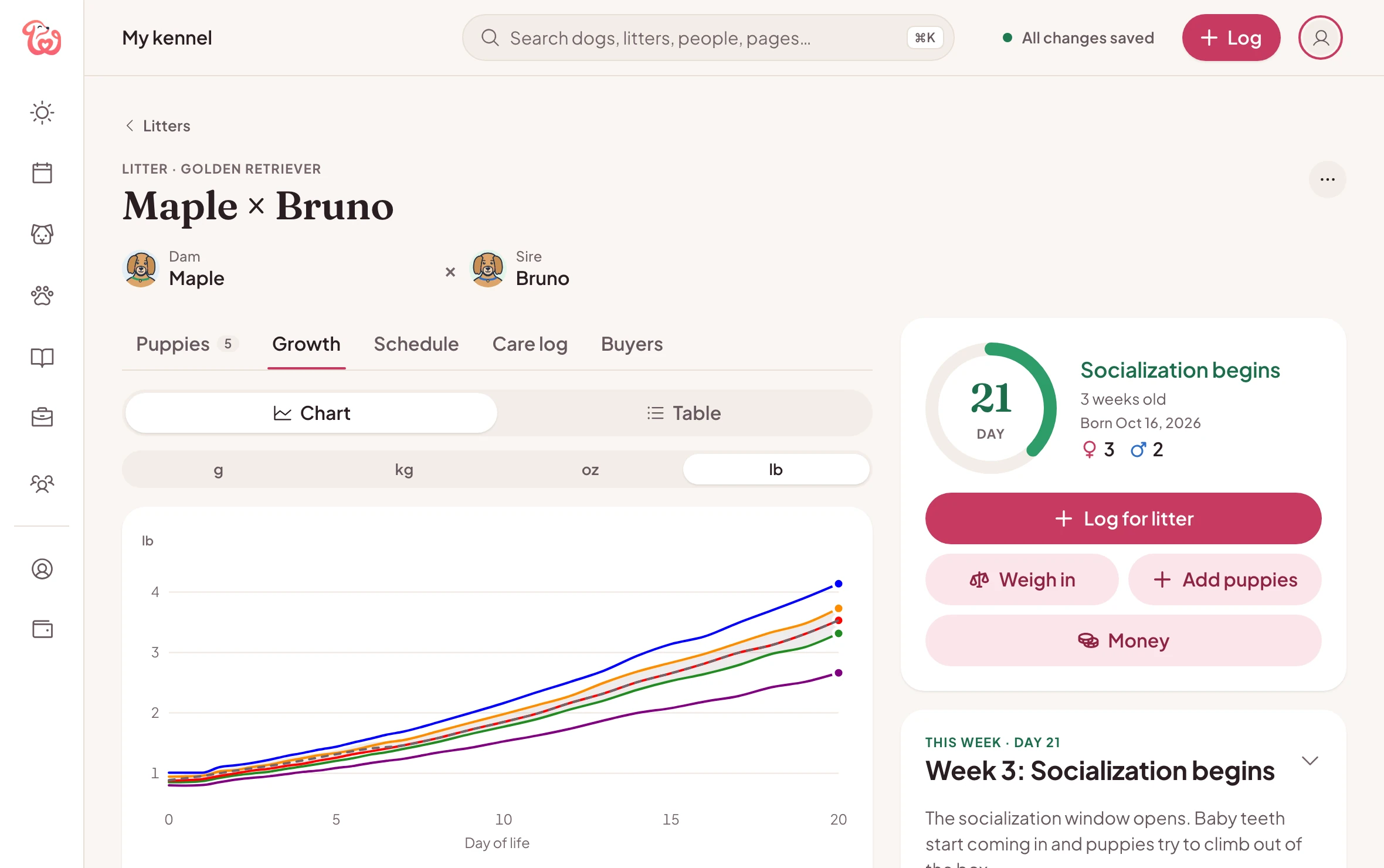
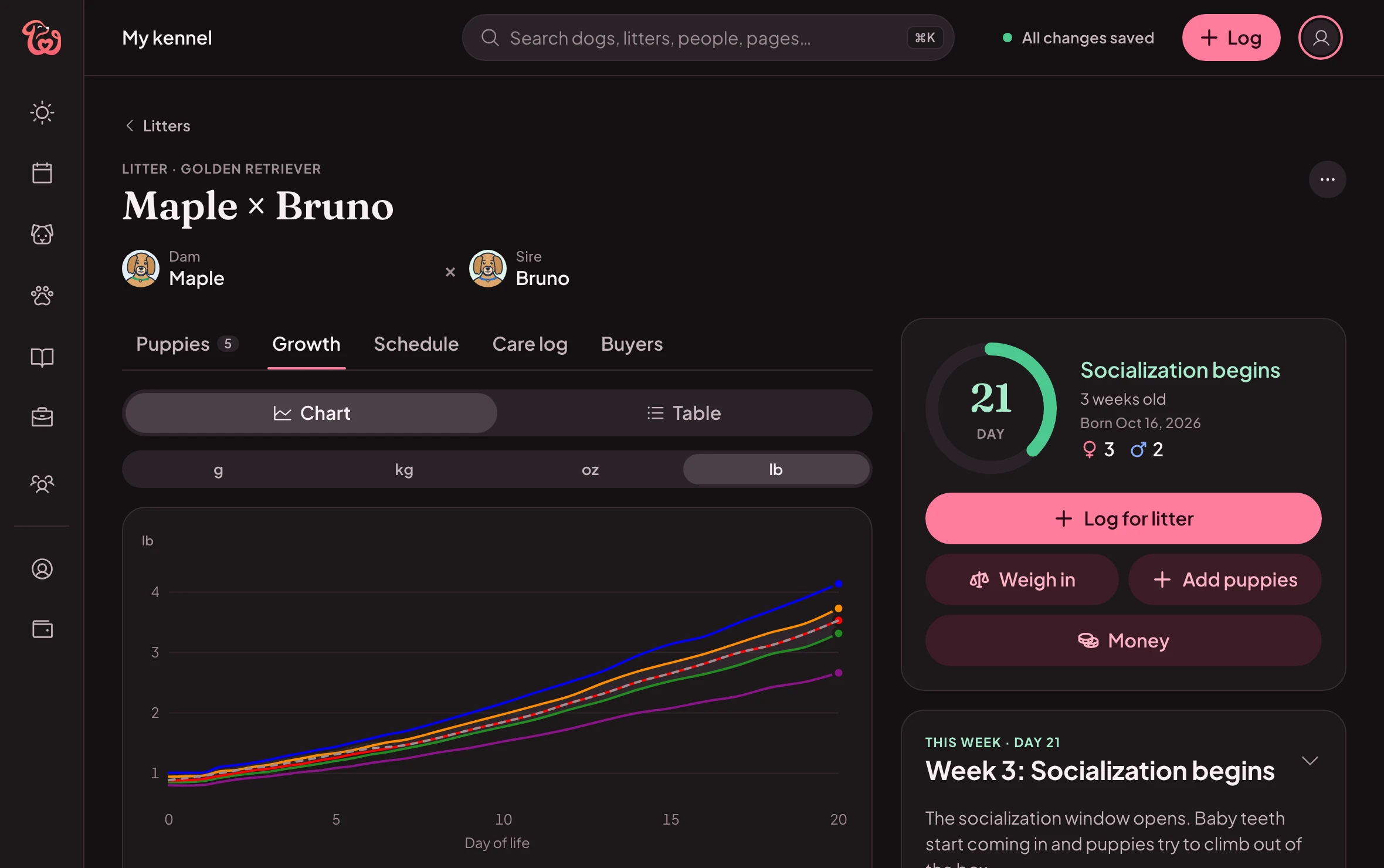
Maple × Bruno’s litter: each puppy’s growth in pounds on one chart, with the litter’s age and this week’s milestones beside it.Maple × Bruno’s litter: each puppy’s growth in pounds on one chart, with the litter’s age and this week’s milestones beside it.

Litters · Sample kennel

Sample kennel

Whelping

Whelping night, on the laptop by the box

Big buttons for each stage of labor, the time between puppies, the placenta count and the warning signs, in the same session as the phone in your hand.
  • Log a puppy from either device
  • When to call your vet, one click away
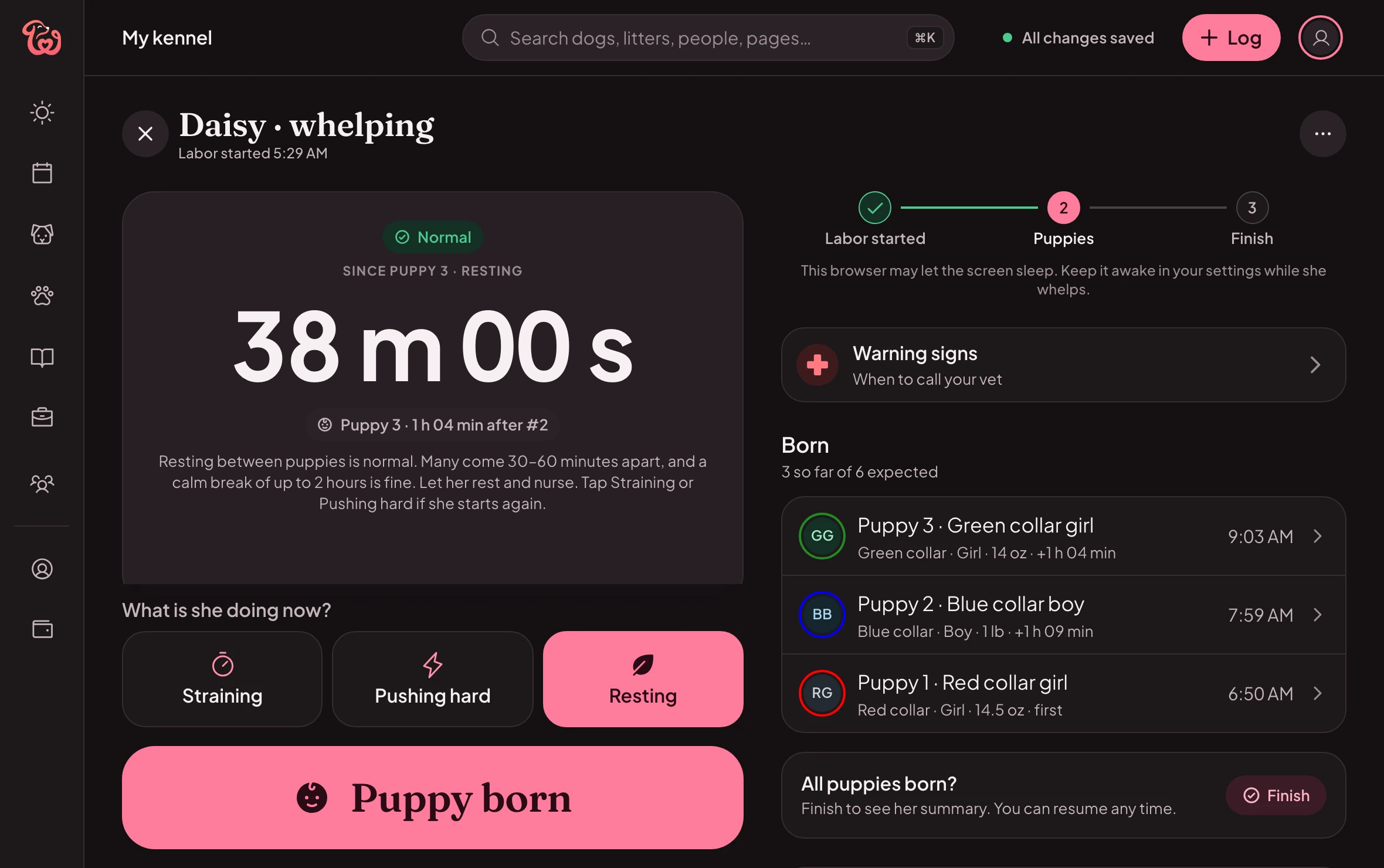
A sample whelping on a computer: whelping mode for Daisy, the time since her last puppy, a button for each stage of labor and Puppy born, and the puppies born so far.

Whelping · Sample whelping

Sample whelping

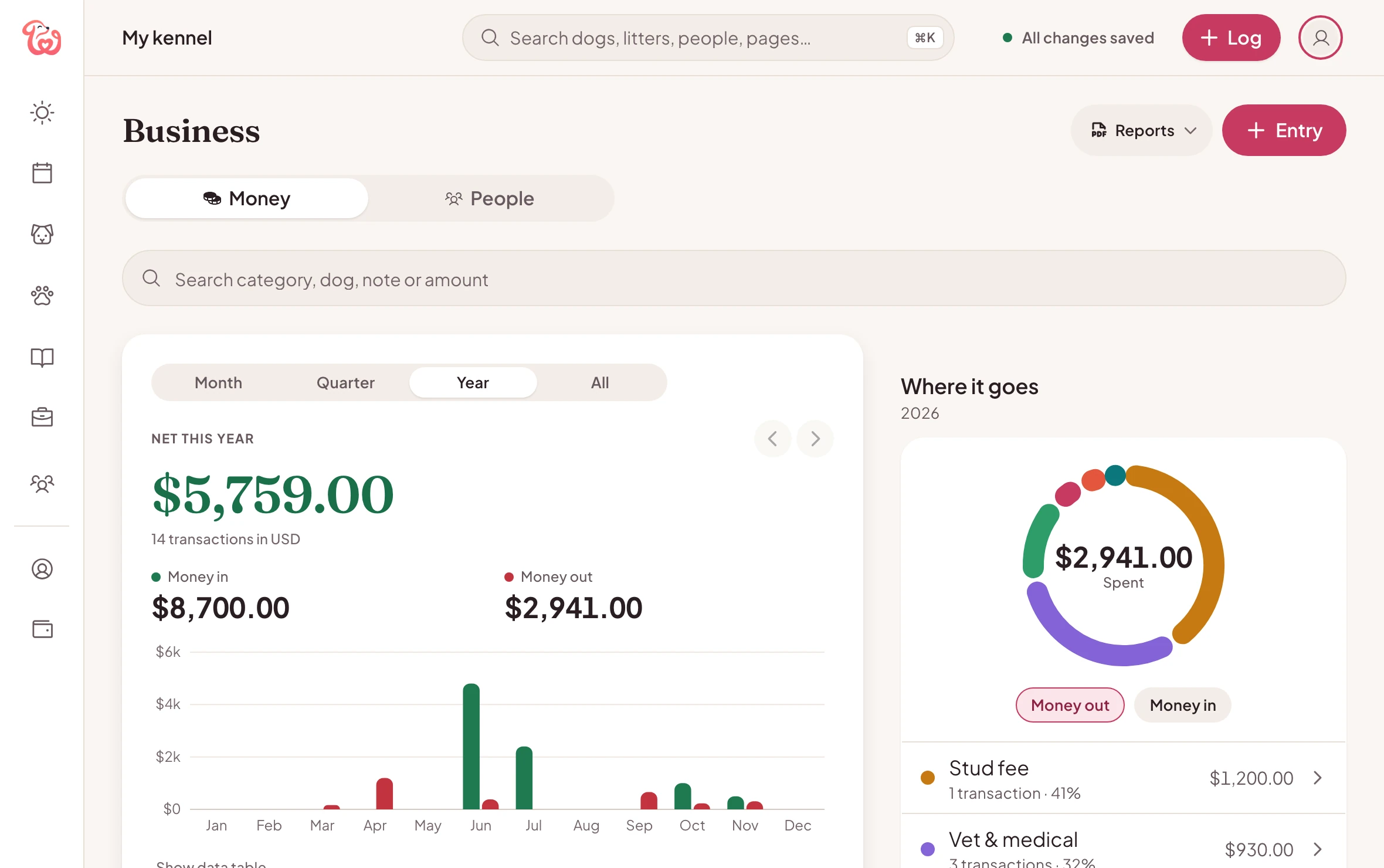
Money

Money and people, sorted

What every litter cost and earned, where the money goes and every payment with its receipt. Your buyers, waitlist, vet and stud owners are next door in People.
  • Export to CSV, Excel or PDF
  • Per litter, per dog and per category
  • Currencies are never added together
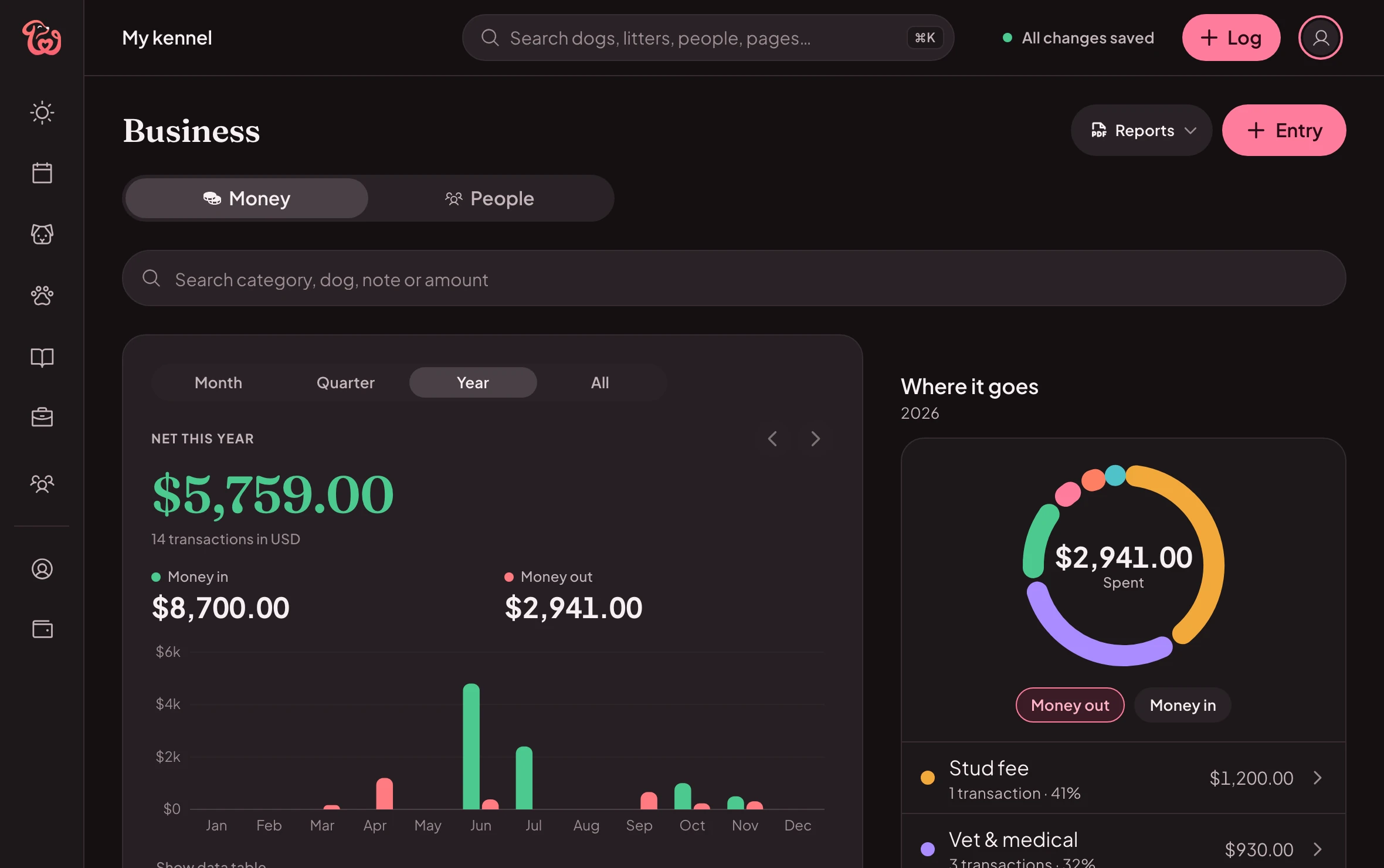
The Money page: the year’s money in and out, a chart by month and where the money goes by category.The Money page: the year’s money in and out, a chart by month and where the money goes by category.

Money · Sample kennel

Sample kennel

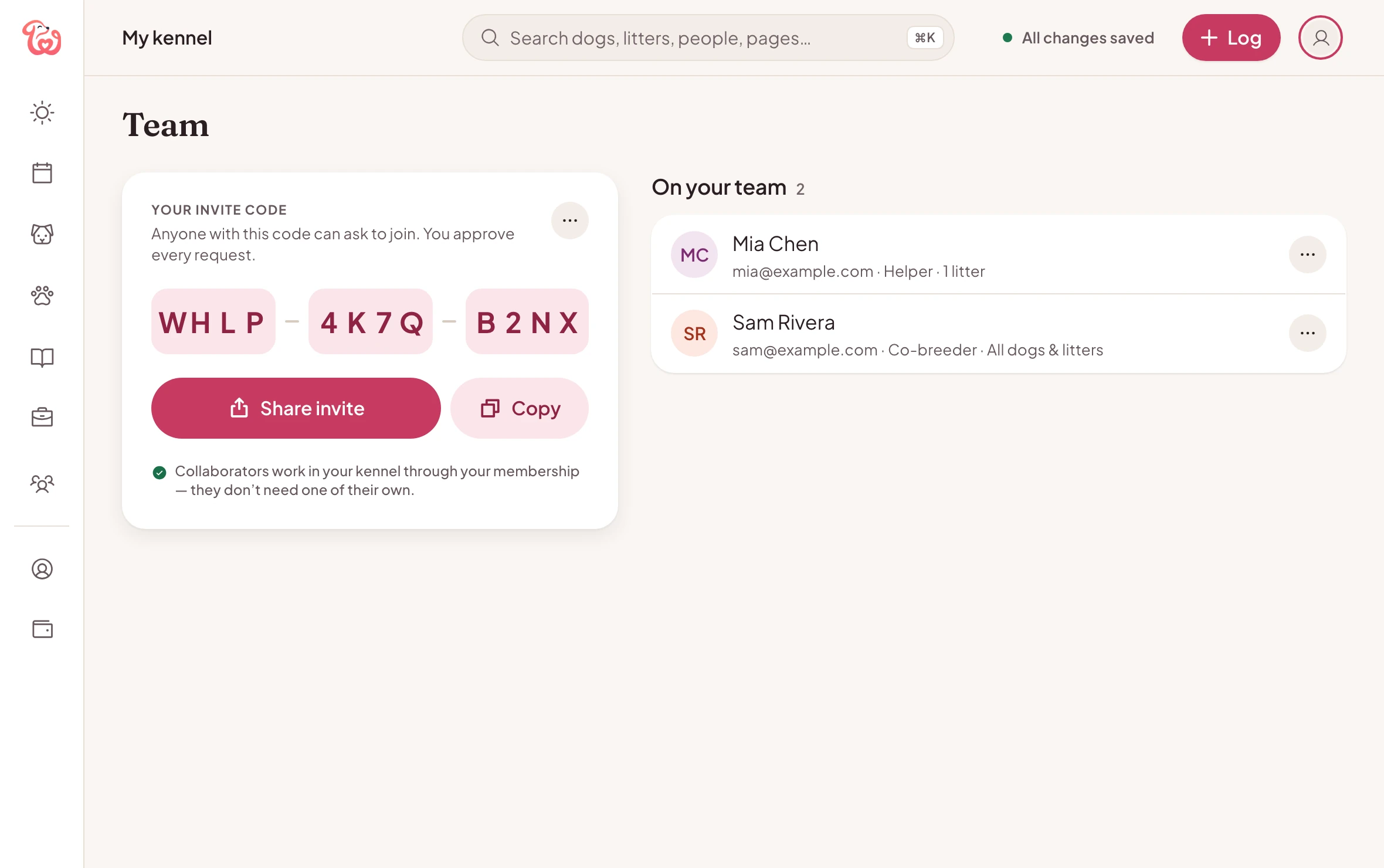
Team

Your team, from your desk

Share your invite code, approve each request and choose what every person can see and change. Teammates can sign in on the web too, and work in your kennel with the access you gave them.
  • Roles: Viewer, Helper, Co-breeder or Full access
  • Your membership covers your whole team
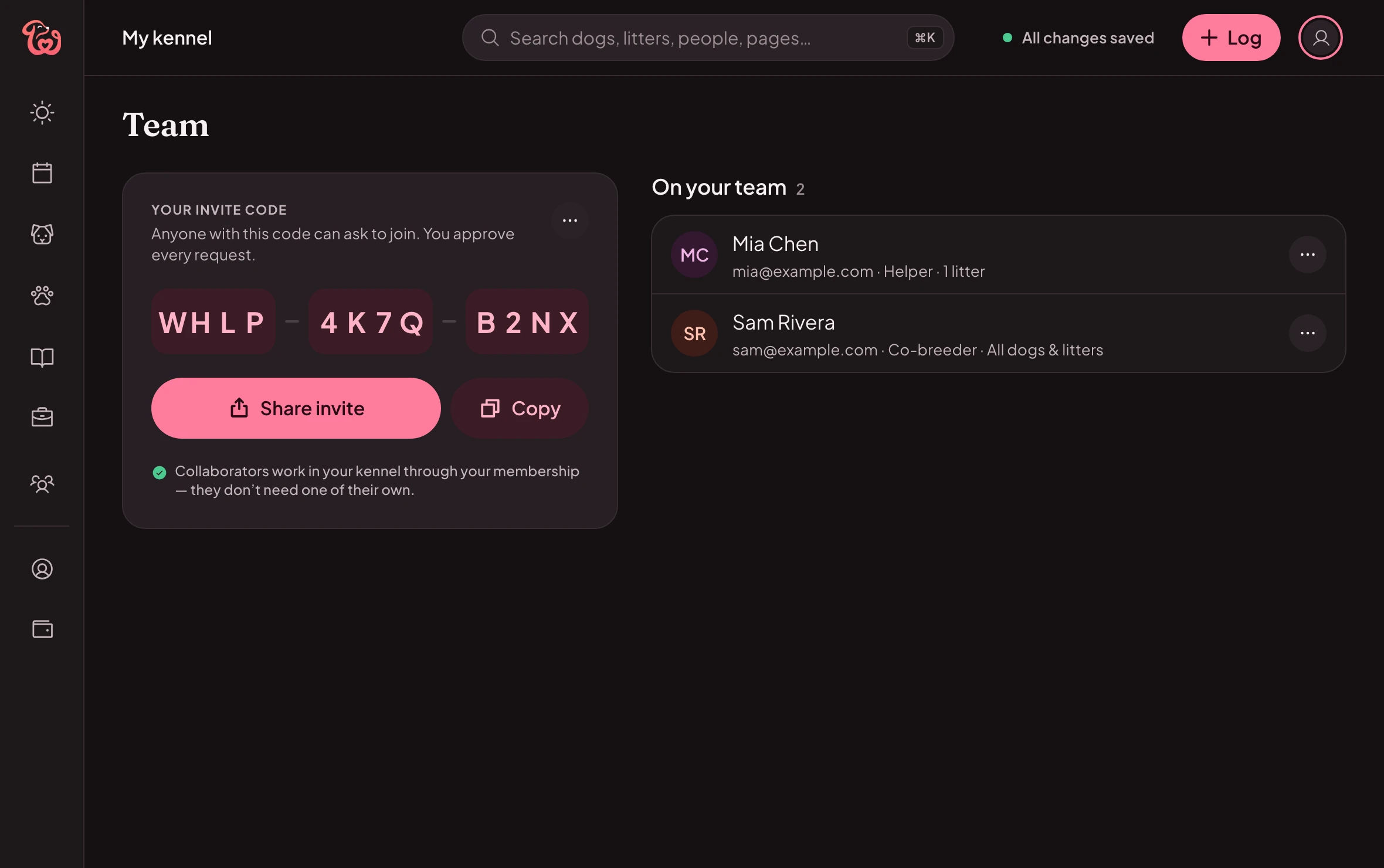
The Team page: the kennel’s invite code and the two people on the team, with their roles and what each can see.The Team page: the kennel’s invite code and the two people on the team, with their roles and what each can see.

Team · Sample kennel

Sample kennel

Phone and computer

Each screen does what it’s best at

Same kennel, same records. Use whichever is closer.
What each screen does best, on your phone and on the web
TaskOn your phoneOn the web
RemindersNotifications before something’s due, with quiet hoursA Coming up list, and a calendar file for your own calendar
PapersScan them with the cameraDrag and drop files and photos
Weigh-insBig puppy buttons, one hand freeType the weights, Tab to the next puppy
No signalChanges sync when you’re back onlineNeeds a connection; changes pause while you’re offline
PaperworkShare a packet from your phonePrint packets and reports; export money to Excel

How to start

Step by step

  1. Step 1: Join in the app

    From the App Store or Google Play.
  2. Step 2: Sign in on your computer

    At app.whelper.com, with the same account: your records are already there.
  3. Step 3: Keep going on either

    What you do on one shows on the other.

Questions

Good to know

Is there a web version of Whelper?

Yes. Open app.whelper.com on your computer and sign in with your Whelper account: your dogs, litters and records are already there. There’s nothing to install.

Are the app and the web in sync?

Yes. They’re two ways into the same kennel: what you log on your phone shows on the web, and what you change on the web shows in the app.

Do I need a separate membership for the web?

No. One Whelper membership covers the apps and the web. It belongs to your account, so it’s there wherever you sign in, whether you joined in the App Store or on Google Play.

Can I start on the web?

Join in the app first: memberships are sold in the App Store and Google Play. Then sign in at app.whelper.com with the same account.

Does the web work offline?

No, the web needs a connection. If yours drops, it pauses changes and tells you if any are waiting. The apps work best with a connection too, and sync what you log when you’re back online.

What stays in the app?

Notifications: reminders arrive on your phone, while the web shows what’s coming up and lets you add it to your own calendar. Scanning papers with the camera: on the web you upload files instead. Everything else, from whelping mode to money and reports, is on both.

Which browsers work?

An up-to-date Chrome, Edge or Safari on your computer. On a phone or tablet, the app is the better fit.

Can my team use the web?

Yes. Teammates sign in at app.whelper.com and work in your kennel with the access you gave them, as they do in the app.

Open your kennel on the web

Same account, same records, bigger screen.

One membership covers the apps and the web.

  • Download on the App Store
  • Get it on Google Play